



Concept Notes (Deep Explanation + Examples)
🔹 Introduction
In Android app development, Intents are one of the most powerful components that enable communication between components like Activities, Services, and Broadcast Receivers.
An Intent simply means “intention to perform an action.”
For example, opening a new screen, sending data, or launching another app — all are done through intents.
In ECET exams, understanding Intents and navigation flow between screens (Activities) is a must for both theoretical and coding-based questions.
🔹 What is an Intent?
An Intent is a message object that helps Android components request an action from another component.
Example:
You want to move from MainActivity → SecondActivity.
Intent i = new Intent(MainActivity.this, SecondActivity.class);
startActivity(i);Here,
Intentdefines the action and destination.startActivity()actually performs the navigation.
🔹 Types of Intents
1️⃣ Explicit Intent – Used to start a specific component (like a known Activity in the same app).
👉 Example:
Intent intent = new Intent(MainActivity.this, DetailsActivity.class);
startActivity(intent);2️⃣ Implicit Intent – Used when you want the system to find a suitable app for the task.
👉 Example:
Intent shareIntent = new Intent(Intent.ACTION_SEND);
shareIntent.setType("text/plain");
shareIntent.putExtra(Intent.EXTRA_TEXT, "ECET 2026 preparation!");
startActivity(Intent.createChooser(shareIntent, "Share using"));This opens all available apps that can share text (e.g., WhatsApp, Gmail).
🔹 Passing Data Between Screens
We often need to send data (like name, score, etc.) from one Activity to another.
Intent i = new Intent(MainActivity.this, ResultActivity.class);
i.putExtra("score", 95);
startActivity(i);To receive it in ResultActivity:
int score = getIntent().getIntExtra("score", 0);💡 Real-world example:
In a quiz app, after completing a quiz, you navigate to the ResultActivity to show the score — data is passed using Intent extras.
🔹 Returning Data to Previous Activity
Use startActivityForResult() and setResult().
Intent i = new Intent(this, EditProfileActivity.class);
startActivityForResult(i, 1);In EditProfileActivity:
Intent result = new Intent();
result.putExtra("username", "Sai");
setResult(RESULT_OK, result);
finish();🔹 Intent Filters
In AndroidManifest.xml, intent-filters define what kind of Intents an Activity can respond to.
Example:
<intent-filter>
    <action android:name="android.intent.action.MAIN" />
    <category android:name="android.intent.category.LAUNCHER" />
</intent-filter>This makes it the main launcher screen.
🔹 Navigation Between Screens (Activities)
Each screen in Android is an Activity.
Navigation = moving between activities using Intents.
Example Flow:
LoginActivity → DashboardActivity → SettingsActivityYou can create Back Stack Navigation, allowing users to press the back button to return to the previous screen.
To close the current screen:
finish();🔹 Real-World Example
Imagine an ECET Quiz App:
- MainActivity → Start Quiz
- QuizActivity → Attempt Questions
- ResultActivity → Show Score
Navigation between these screens happens using Explicit Intents.
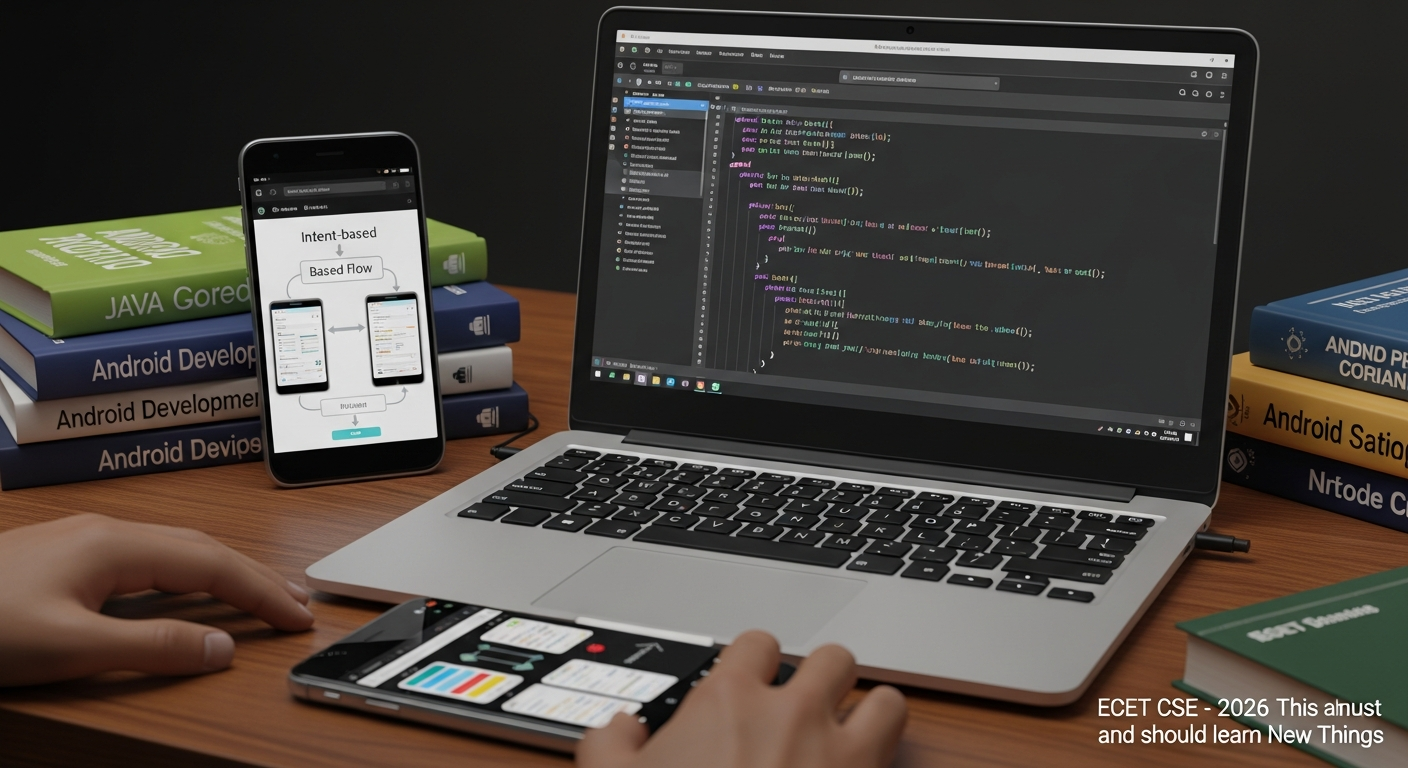
🔹 Diagram (Explained in Words)
Diagram Description:
Visualize three boxes:
- Box 1: MainActivity → arrow labeled Intent → Box 2: QuizActivity
- Box 2: QuizActivity → arrow labeled Intent + Data (Score) → Box 3: ResultActivity
- Each arrow shows Intent-based navigation and data transfer.
🔹 ECET-Important Points
Intent= Message to perform an action.- Explicit Intent → within same app.
- Implicit Intent → open external apps.
- Extras → used to pass data.
- Defined in Manifest.xml if implicit.
- startActivity() vs startActivityForResult()
- Important class:
android.content.Intent
⚙️ Formulas (Plain LaTeX, No Boxes)
Even though Android is non-mathematical, below are concept mappings often asked in logic-based questions:





🔟 10 MCQs (ECET + GATE Hybrid)
1️⃣ Which of the following best defines an Intent in Android?
A) Database Object
B) Messaging Object
C) Thread Object
D) Layout Object
2️⃣ Which method is used to start a new activity?
A) start()
B) startService()
C) startActivity()
D) newActivity()
3️⃣ What is used to pass data between two Activities?
A) SharedPreferences
B) Intent Extras
C) Database
D) Toast
4️⃣ Implicit Intents are used for:
A) Internal navigation only
B) Communicating with external apps
C) Creating new XML layouts
D) Managing threads
5️⃣ Which XML tag defines the Intent filter?
A) <activity>
B) <filter>
C) <intent-filter>
D) <intent>
6️⃣ What method is used to send data back to the calling Activity?
A) startActivity()
B) setResult()
C) finishActivity()
D) getResult()
7️⃣ To close the current activity, we use:
A) destroy()
B) stop()
C) finish()
D) exit()
8️⃣ In AndroidManifest.xml, which tag is mandatory for the launcher activity?
A) <action android:name=”android.intent.action.MAIN” />
B) <action android:name=”android.intent.action.DEFAULT” />
C) <category android:name=”android.intent.category.DEFAULT” />
D) <activity android:name=”.Launcher” />
9️⃣ Which of the following is not a component of an Intent?
A) Action
B) Data
C) Category
D) Thread
10️⃣ What will happen if you forget to declare a new Activity in Manifest?
A) It will auto-register
B) App will crash
C) It will work normally
D) It will open default Activity
✅ Answer Key
Q No | Answer
1 | B
2 | C
3 | B
4 | B
5 | C
6 | B
7 | C
8 | A
9 | D
10 | B
🧠 MCQ Explanations
1️⃣ B → Intent is a messaging object. Others are wrong types.
2️⃣ C → startActivity() is correct; others are invalid.
3️⃣ B → putExtra() and getExtra() pass data via Intent.
4️⃣ B → Implicit Intents launch external apps (like Camera, Gmail).
5️⃣ C → <intent-filter> defines which Intents an Activity can respond to.
6️⃣ B → setResult() sends result back to previous activity.
7️⃣ C → finish() closes the current screen.
8️⃣ A → This tag marks the launcher activity.
9️⃣ D → Thread is unrelated to Intents.
10️⃣ B → Android crashes with an exception if Activity is missing in Manifest.
🎯 Motivation (ECET 2026 Specific)
This topic is repeated almost every year in ECET, especially in CSE technical sections.
It combines Android fundamentals + coding logic, which makes it perfect for conceptual + application-type MCQs.
Mastering Intents means you understand how apps communicate internally, which boosts your mobile development fundamentals — a key skill for both ECET rankers and placement exams.
Consistency in learning daily topics like this ensures you stay ahead in ECET 2026! 🚀
📲 CTA (Fixed)
Join our ECET 2026 CSE WhatsApp Group for daily quizzes & study notes:
👉 https://chat.whatsapp.com/GniYuv3CYVDKjPWEN086X9