


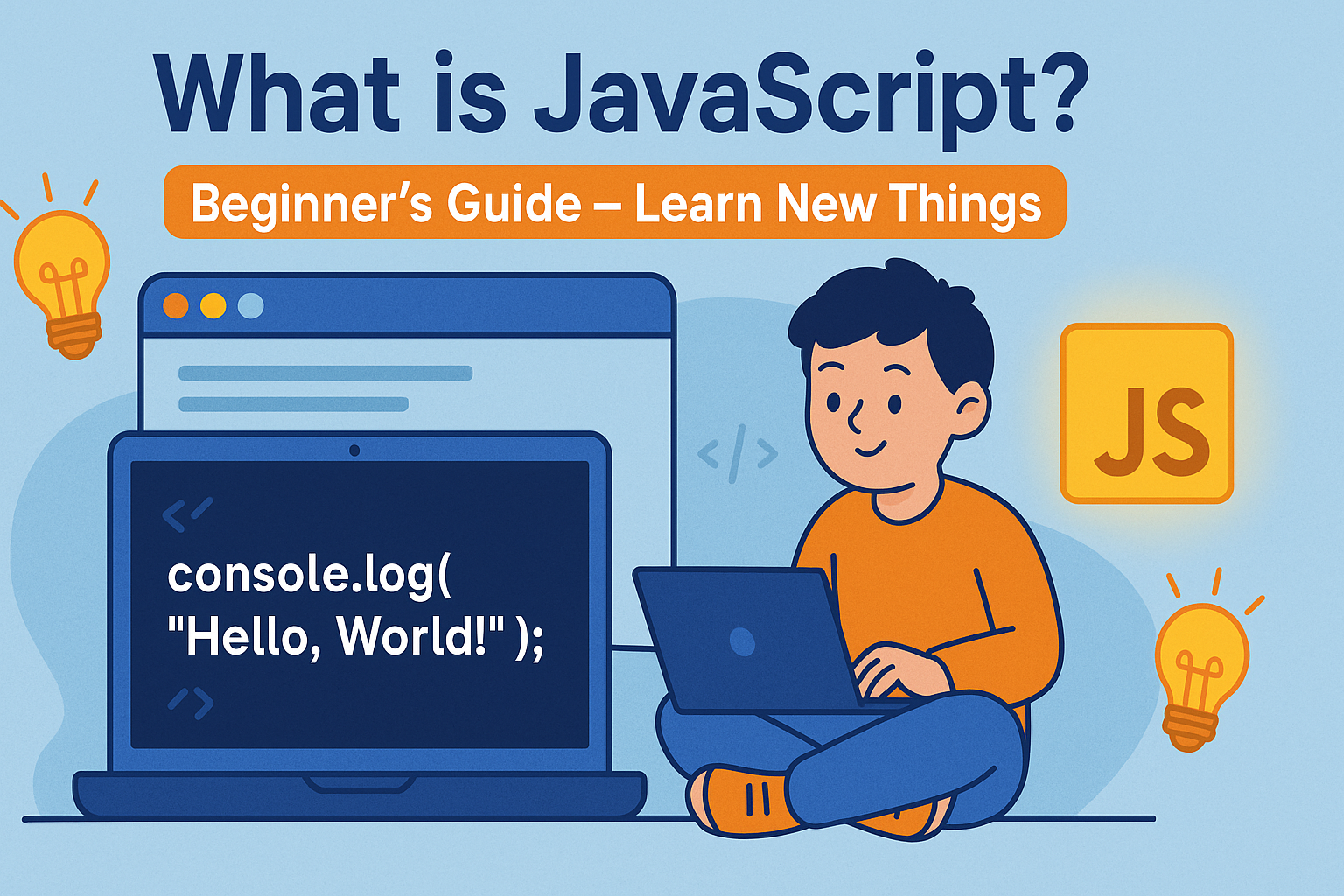
What is JavaScript?
JavaScript is a programming language used to make web pages interactive.
While HTML builds the structure
and CSS adds style,
JavaScript brings websites to life.
With JavaScript, you can:
- Make buttons clickable
- Show popup alerts
- Create sliders, forms, and animations
- Build dynamic applications like YouTube, Google Docs, etc.
🧠 Why JavaScript is Important
JavaScript is everywhere:
- 95%+ of websites use JavaScript
- It runs in the browser — no need to install anything
- It’s used for both frontend (user side) and backend (server side with Node.js)
💡 If you want to become a web developer, you must learn JavaScript.
💻 Your First JavaScript Code
Let’s print something to the browser console:
<!DOCTYPE html>
<html>
  <body>
    <h1>Welcome to JavaScript!</h1>
    <script>
      console.log("Hello, World!");
    </script>
  </body>
</html>Open your browser → Right click → Inspect → Console tab
You’ll see the message: "Hello, World!"
🔧 What Can You Do with JavaScript?
| Feature | Example |
|---|---|
| Popup messages | alert("Hi there!") |
| Respond to clicks | Show/hide elements |
| Update webpage without reload | AJAX and fetch APIs |
| Validate forms | Check empty fields before submitting |
| Build full apps | Games, calculators, to-do lists, etc. |
🔤 Basic JavaScript Syntax
let name = "Ravi";       // String
let age = 20;            // Number
let isStudent = true;    // Boolean

console.log(name); // Prints "Ravi"Key Concepts for Beginners
| Concept | Meaning |
|---|---|
Variables | Store data (like name, number) |
Data Types | Text (string), numbers, true/false, etc. |
Functions | Reusable code blocks |
Events | Something happens like a click or key press |
DOM | Changing HTML/CSS using JavaScript |
🧪 How JavaScript Interacts with HTML
You can use JavaScript to change your page:
<button onclick="changeText()">Click Me</button>
<p id="demo">This is text</p>

<script>
  function changeText() {
    document.getElementById("demo").innerHTML = "You clicked the button!";
  }
</script>Output: When you click the button, the text changes.
🛠️ Where Do You Write JavaScript?
- Inside your HTML file (within
<script>tags) - Or in a separate
.jsfile and link it:
<script src="script.js"></script>Popular Projects with JavaScript
- To-Do List App
- Digital Clock
- Image Slider
- Calculator
- Quiz App
You’ll build all these step-by-step in our Projects section soon!
✅ Summary
| You Learned Today |
|---|
| ✅ What JavaScript is |
| ✅ Why it’s important |
| ✅ How it adds interactivity |
| ✅ Basic syntax & console |
| ✅ How to link JavaScript to HTML |
💬 Comment Task for Readers
🚀 Try adding a button to your webpage and use JavaScript to show an alert.
Comment below if it worked — or ask if you’re stuck!
📥 For help, join us on Telegram → @LearnNewThingsHub